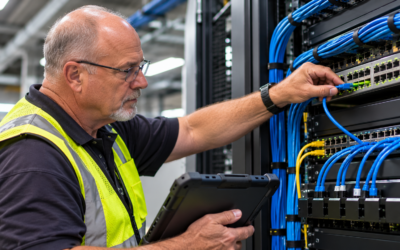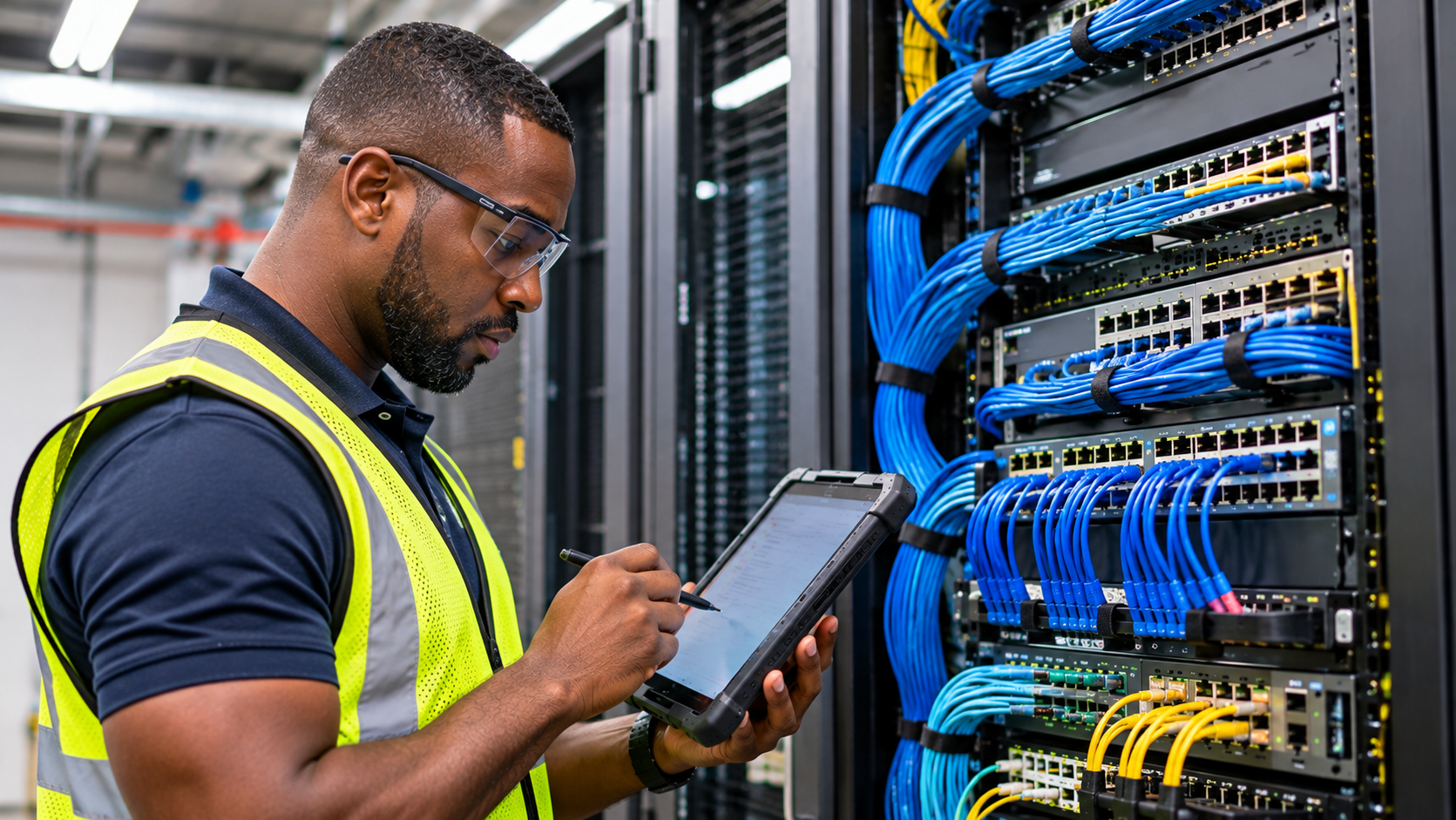
A reliable network infrastructure is essential to modern business operations. Retail stores, restaurants, offices, warehouses, and other commercial facilities depend on connected systems to support daily transactions, employee communications, security equipment, business applications, and data exchange.
Behind these operations is a combination of physical equipment, structured cabling, network hardware, wireless systems, and supporting power infrastructure. Each component plays a specific role in moving data between devices and connecting business locations to the services they depend on.
When these components are properly selected, installed, configured, and maintained, they help establish a network that can support business requirements consistently. However, weaknesses in even one part of the infrastructure can affect overall connectivity and performance.
Understanding the core components of network infrastructure helps businesses make better decisions when planning new installations, upgrading existing systems, or expanding technology across multiple locations.
What Is Network Infrastructure?
Network infrastructure refers to the physical and logical components that allow devices, applications, and systems to communicate within a facility or across different locations.
It includes the hardware, cabling, wireless equipment, network services, and supporting systems required to establish and maintain connectivity.
A typical commercial network infrastructure may include:
-
Structured cabling and fiber optic connections
-
Network switches and routers
-
Wireless access points
-
Firewalls and network security equipment
-
Network racks and equipment cabinets
-
Power distribution and backup systems
-
Network monitoring and management systems
These components work together to support wired and wireless communication throughout a facility.
For example, a retail store may use its network infrastructure to connect POS terminals, payment devices, back-office computers, wireless access points, CCTV systems, and other business technology.
The network must provide the necessary connectivity while accounting for device requirements, facility layout, security considerations, and expected traffic.
8 Core Components of a Reliable Network Infrastructure
Each network component serves a different purpose. Understanding how they work together is important when designing or deploying a commercial network.
1. Structured Cabling
Structured cabling provides the physical connections that allow network devices to communicate.
It serves as the foundation of many commercial network environments, connecting workstations, switches, wireless access points, servers, security equipment, and other systems.
Common structured cabling types include:
| Cable Type | Typical Application | Key Consideration |
| Cat5e | Standard Ethernet network connections | Supports Gigabit Ethernet over compliant installations |
| Cat6 | Commercial network connections | Provides improved performance characteristics compared with Cat5e |
| Cat6A | Higher-performance Ethernet installations | Supports 10 Gigabit Ethernet up to 100 meters under compliant conditions |
| Fiber Optic | Backbone connections and longer-distance links | Supports high bandwidth over distances beyond typical copper Ethernet limits |
The appropriate cable depends on the required data rates, transmission distance, installation environment, and future network needs.
Why it matters:
Poorly installed or damaged cabling can lead to intermittent connections, reduced performance, and difficult troubleshooting. Proper cable routing, termination, labeling, and testing help establish a dependable physical network.
For additional guidance, read Best Practices for Low-Voltage Installation Projects.
2. Network Switches
Network switches connect devices within a local area network (LAN). They allow connected equipment to exchange data and communicate with other network resources.
In a commercial facility, switches may connect:
-
POS terminals
-
Computers and workstations
-
Wireless access points
-
CCTV cameras
-
Servers and storage systems
-
Other network-connected equipment
Switches are available in different configurations and port capacities to accommodate varying network requirements.
Two common categories include:
| Switch Type | Description | Common Use |
| Unmanaged Switch | Provides basic network connectivity with limited configuration options | Simple network environments |
| Managed Switch | Offers configurable features such as VLANs, monitoring, traffic management, and port controls | Commercial and enterprise networks |
Some managed switches also support Power over Ethernet (PoE), allowing compatible devices such as wireless access points and IP cameras to receive power through their Ethernet connections.
Why it matters:
The switch must provide sufficient port capacity, throughput, and power delivery for the connected devices. Proper configuration and installation help maintain organized connectivity and support future network expansion.
3. Routers
Routers connect different networks and determine how data moves between them.
In many commercial environments, a router connects the internal business network to an internet service provider or another external network. It may also support communication between different network segments or locations.
Common router functions include:
-
Routing data between networks
-
Connecting local networks to external services
-
Supporting IP addressing and network communication
-
Working with firewall and security policies
-
Managing traffic between network segments
Routers are available in different performance levels and configurations. Their capabilities should match the facility’s bandwidth requirements, network design, and expected traffic.
Why it matters:
An appropriately selected and configured router helps ensure that devices can reach the networks and services they need. Insufficient routing capacity or incorrect configuration can create connectivity problems across multiple systems.
4. Wireless Access Points
Wireless access points (APs) provide Wi-Fi connectivity by allowing compatible devices to connect to the wired network without requiring a direct Ethernet connection.
They are commonly installed in offices, retail stores, restaurants, warehouses, and other facilities where employees and business systems rely on wireless communication.
Wireless access points may support:
-
Mobile POS devices
-
Employee laptops and tablets
-
Inventory scanners
-
Wireless printers
-
Connected business equipment
-
Other approved wireless devices
The number and placement of access points should be based on the facility’s layout, physical conditions, device density, and coverage requirements.
Why it matters:
Poor access point placement, interference, and insufficient wireless capacity can result in weak coverage and inconsistent connectivity.
A professional Wi-Fi site survey can help evaluate signal conditions, identify potential coverage gaps, and determine appropriate access point locations.
Read more: When Should a Business Conduct a Wi-Fi Site Survey?.
5. Firewalls and Network Security Equipment
Firewalls help control network traffic based on defined security policies. They can monitor incoming and outgoing connections and restrict communication that does not meet established rules.
Commercial network environments use firewalls to help protect business systems and manage access between different network segments.
Depending on the solution, firewall capabilities may include:
-
Traffic filtering
-
Access control policies
-
Network address translation
-
Virtual private network (VPN) support
-
Threat detection and prevention features
-
Network segmentation controls
Firewalls are especially important in environments that support multiple categories of devices, such as POS terminals, employee computers, CCTV systems, and guest wireless networks.
Why it matters:
Network security equipment helps protect business systems from unauthorized access and unwanted network traffic. However, security depends on proper configuration, policy management, and ongoing administration.
Businesses should coordinate firewall installation and configuration with their IT or network security teams to ensure that required applications and devices can communicate appropriately.
6. Network Racks and Equipment Cabinets
Network racks and equipment cabinets provide a structured location for mounting and organizing network hardware.
They commonly house:
-
Network switches
-
Routers and firewalls
-
Patch panels
-
Fiber optic termination equipment
-
Power distribution units
-
Cable management accessories
-
Other network hardware
Proper rack installation helps keep equipment accessible, organized, and protected from unnecessary physical interference.
Important considerations include:
-
Rack dimensions and available mounting space
-
Equipment weight and support requirements
-
Cable routing and management
-
Ventilation and cooling
-
Power distribution
-
Access for maintenance and troubleshooting
Why it matters:
Poorly organized equipment can make maintenance more difficult and increase the risk of accidental disconnections or cable damage.
A properly planned rack layout supports easier equipment identification, cleaner cable management, and more efficient service work.
7. Power Distribution and Backup Systems
Network infrastructure requires a dependable power source. Switches, routers, firewalls, wireless access points, and other network equipment must receive appropriate electrical power to operate reliably.
Power infrastructure may include:
-
Dedicated electrical circuits where required
-
Power distribution units (PDUs)
-
Uninterruptible power supplies (UPS)
-
Surge protection
-
Power supplies and adapters
-
Power over Ethernet (PoE) systems
A UPS can provide temporary backup power to connected equipment during certain power interruptions, depending on its capacity and runtime.
PoE-enabled switches and injectors can also deliver electrical power through Ethernet cabling to compatible devices, including wireless access points and IP cameras.
Why it matters:
Power interruptions can take network equipment offline and affect multiple connected systems. Proper electrical planning, power capacity assessment, and appropriate backup solutions help reduce the risk of unexpected disruption.
For additional information, see How Electrical Infrastructure Affects Network Performance.
8. Network Monitoring and Management Systems
Network monitoring and management systems provide visibility into the condition and performance of network infrastructure.
Depending on the platform, these tools can help administrators monitor:
-
Network device availability
-
Bandwidth utilization
-
Port and interface status
-
Wireless access point performance
-
Network traffic patterns
-
Device health and system alerts
-
Connectivity issues
Some platforms also support centralized configuration, reporting, and troubleshooting across multiple network devices or locations.
Why it matters:
Without adequate visibility, network issues may go unnoticed until they affect business operations.
Monitoring tools help IT teams identify potential problems, understand network behavior, and make informed decisions about maintenance and upgrades.
The appropriate monitoring solution depends on the size, complexity, and management requirements of the network.
How These Components Work Together
Network infrastructure components are designed to function as an interconnected system. Each one contributes to the movement of data from an endpoint to its intended destination.
Consider a commercial retail environment where a POS terminal needs to communicate with an external payment processing service.
A simplified connection path may look like this:
- POS Terminal: Generates data that needs to be transmitted.
- Structured Cabling or Wireless Access Point: Provides the connection to the local network.
- Network Switch: Directs traffic between connected devices and network resources.
- Router: Routes traffic toward the appropriate external network.
- Firewall: Applies security policies to permitted network communication.
- Internet or External Service: Provides access to the payment processing platform.
Supporting components also play important roles. Network racks organize the equipment, power systems keep it operating, and monitoring tools provide visibility into network performance.
The exact network architecture depends on the business’s requirements. Some systems use additional security layers, redundant connections, separate network segments, or dedicated infrastructure.
Network Infrastructure Components at a Glance
The following table summarizes the primary components and their roles within a commercial network.
| Component | Primary Function | Common Business Application |
| Structured Cabling | Provides physical network connections | Connecting POS terminals, switches, and access points |
| Network Switches | Connect devices within a local network | Linking workstations, cameras, and network equipment |
| Routers | Connect different networks and route traffic | Providing access to external networks and services |
| Wireless Access Points | Provide wireless network connectivity | Supporting mobile devices and Wi-Fi-enabled equipment |
| Firewalls | Control and filter network traffic | Managing access and protecting business systems |
| Network Racks | Organize and house network equipment | Centralizing switches, patch panels, and related hardware |
| Power Systems | Supply and support electrical power | Keeping network equipment operational |
| Monitoring Systems | Provide network visibility and management | Identifying connectivity issues and monitoring device health |
What Makes Network Infrastructure Reliable?
Having all the necessary components does not automatically guarantee a reliable network. Their selection, installation, configuration, and coordination are equally important.
Several practices contribute to a dependable network infrastructure.
1. Proper Network Planning
Network design should begin with a clear understanding of the facility’s requirements.
This includes the number of connected devices, application requirements, expected traffic, physical layout, security needs, and potential future expansion.
Planning helps determine the appropriate equipment, cabling, network architecture, and installation requirements.
2. Quality Installation and Cabling Practices
Even well-designed networks can experience problems when equipment and cabling are installed incorrectly.
Installation practices should include proper cable routing, termination, labeling, equipment mounting, and testing.
All work should follow applicable standards, manufacturer requirements, and project specifications.
3. Appropriate Equipment Selection
Network hardware should be selected based on actual performance and operational requirements.
Businesses should consider switching capacity, port availability, PoE requirements, routing performance, wireless capabilities, and compatibility with existing systems.
Equipment should also allow for reasonable future expansion without unnecessary oversizing.
4. Network Segmentation and Security
Separating different categories of network traffic can help improve security and organization.
For example, POS systems, employee devices, CCTV equipment, and guest Wi-Fi may have different access requirements.
Network segmentation, VLAN configuration, and firewall policies should be designed to support the necessary communication while limiting unnecessary access.
5. Testing and Quality Assurance
Testing helps verify that installed components and connections meet project requirements.
Depending on the scope, verification may include:
-
Copper and fiber cabling tests
-
Network connection checks
-
Switch and router connectivity verification
-
Wireless coverage assessment
-
Access point connectivity checks
-
Equipment power verification
-
Documentation review
Testing requirements should be established before installation and performed at appropriate stages of the project.
6. Documentation and Ongoing Management
Network documentation provides a reference for troubleshooting, maintenance, and future upgrades.
Useful records may include:
-
Network diagrams
-
Equipment inventories
-
Rack layouts
-
Cable labels and connection records
-
IP addressing information
-
VLAN and configuration records
-
Test results
-
Installation and closeout documentation
For businesses with multiple facilities, consistent documentation makes it easier to understand and support network environments across locations.
Common Network Infrastructure Problems and Their Causes
Understanding the components also helps businesses recognize where network problems may originate.
| Network Problem | Potential Cause | Component to Evaluate |
| Intermittent connectivity | Damaged cable or unstable connection | Structured cabling |
| Slow wired network performance | Congestion or insufficient capacity | Switches and network uplinks |
| Devices cannot communicate across networks | Routing or configuration issues | Routers and network configuration |
| Weak wireless coverage | Poor access point placement or interference | Wireless access points |
| Unauthorized network access | Inadequate security controls | Firewalls and access policies |
| Frequent equipment disconnections | Power interruptions or loose connections | Power distribution and backup systems |
| Difficult troubleshooting | Incomplete equipment and cable records | Network documentation and management systems |
A single symptom can have multiple possible causes. Effective troubleshooting requires evaluating the complete connection path rather than replacing equipment based on assumptions.
For a deeper discussion of installation-related issues, see Common POS Connectivity Issues and How to Prevent Them.
Network Infrastructure Planning for Multi-Site Businesses
Building reliable network infrastructure becomes more complex when a business operates across multiple locations.
Each facility may have different building layouts, existing cabling, equipment requirements, and operational conditions. At the same time, businesses often need consistent technology standards and predictable installation practices across all locations.
A successful multi-site deployment should account for the following:
| Planning Area | Consideration |
| Site Assessment | Review existing infrastructure and location-specific requirements |
| Equipment Standardization | Establish appropriate hardware and installation standards |
| Cabling Requirements | Identify cable pathways, termination locations, and testing needs |
| Wireless Planning | Evaluate access point placement and coverage requirements |
| Installation Coordination | Align schedules, site access, materials, and field resources |
| Quality Assurance | Verify installation work against established requirements |
| Project Documentation | Maintain consistent records and closeout information |
Centralized project management helps coordinate schedules, communication, progress tracking, and issue resolution across locations.
However, standardization should not eliminate site-specific assessment. A repeatable deployment process should provide consistent execution while allowing adjustments based on each facility’s actual requirements.
For more information, read Managing Multi-Site Network Installations Successfully.
How Prime-Net Supports Commercial Network Infrastructure Deployments
Reliable network infrastructure requires more than individual hardware components. It requires coordinated installation, proper field execution, and consistent project oversight.
Prime-Net is the technology deployment division of Prime Retail Services, Inc., supporting nationwide technology deployment and installation for multi-site retail and commercial environments.
Its core services include:
-
Point-of-Sale Installation: Deployment of POS systems, peripherals, and supporting infrastructure.
-
Wireless Networks: Wi-Fi site surveys, access point installation, structured cabling, and wireless hardware deployment.
-
Network Infrastructure: Rack and stack, structured cabling, and network hardware integration.
-
CCTV Installation: Camera system installation, cabling, and monitoring infrastructure deployment.
-
Project Staffing: Scalable field resources and project management support for technology deployment programs.
-
Digital Menu Boards: Digital menu board rollouts and installations supporting multi-site QSR deployments.
Prime-Net follows a structured deployment workflow:
Survey → Staging → Installation → Quality Assurance → Turnover
This approach combines centralized project management, standardized execution practices, a trained technician workforce, and structured project closeout.
For organizations managing multiple facilities, these capabilities support coordinated technology deployments while accounting for the installation requirements of each location.
Explore Prime-Net’s network infrastructure and technology deployment services.
Frequently Asked Questions About Network Infrastructure
What are the main components of network infrastructure?
The main components typically include structured cabling, network switches, routers, wireless access points, firewalls, network racks, power distribution systems, and network monitoring tools. The exact components depend on the size and requirements of the business.
What is the most important component of a business network?
No single component determines network reliability. Structured cabling provides physical connectivity, switches and routers move data, wireless access points provide Wi-Fi, and security and power systems support reliable operation. Each component must work properly as part of the overall infrastructure.
What is the difference between a network switch and a router?
A network switch connects devices within a local network and allows them to exchange data. A router connects different networks and directs traffic between them, such as between a business network and the internet.
Why is structured cabling important?
Structured cabling provides the physical connections that support network communication. Properly installed and tested cabling helps establish reliable connectivity for computers, POS terminals, wireless access points, cameras, and other network equipment.
Do businesses need both wired and wireless network infrastructure?
Many businesses use both. Wired connections are commonly used for fixed equipment that benefits from a direct physical connection, while wireless networks support mobile devices and equipment that require flexibility. The appropriate design depends on operational requirements.
What is the role of a network rack?
A network rack provides a centralized structure for mounting and organizing equipment such as switches, routers, patch panels, and power distribution units. Proper rack layout supports equipment access, cable management, and maintenance.
How does power affect network reliability?
Network equipment depends on stable electrical power. Power interruptions, inadequate electrical capacity, and insufficient backup systems can disrupt connectivity. Appropriate power planning and UPS solutions can help reduce the impact of certain interruptions.
How often should network infrastructure be upgraded?
There is no universal upgrade schedule. Businesses should evaluate their infrastructure when equipment reaches its supported lifecycle, performance requirements change, additional devices are introduced, security requirements evolve, or recurring problems develop.
Can network infrastructure be standardized across multiple locations?
Yes. Businesses can establish standardized equipment, cabling, installation, testing, and documentation requirements. However, each facility should still be assessed for its specific physical layout and operational requirements.
Final Thoughts
Reliable network infrastructure is built from multiple components working together. Structured cabling, switches, routers, wireless access points, security equipment, power systems, and monitoring tools each contribute to the overall performance and reliability of a commercial network.
The quality of the infrastructure depends not only on the equipment selected but also on how it is planned, installed, configured, tested, and documented.
For businesses operating across multiple locations, a structured deployment approach helps maintain consistent installation standards while accounting for the requirements of individual facilities.
Planning a commercial network installation or infrastructure upgrade?
Prime-Net supports structured cabling, network infrastructure installation, wireless networks, POS deployment, and nationwide technology deployment for retail and commercial environments.
Visit prime-net.net or contact info@prime-net.net to discuss your project requirements.