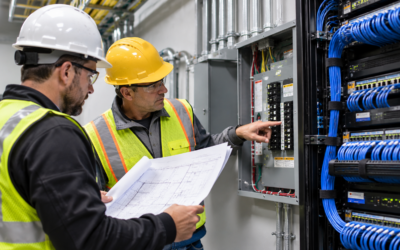
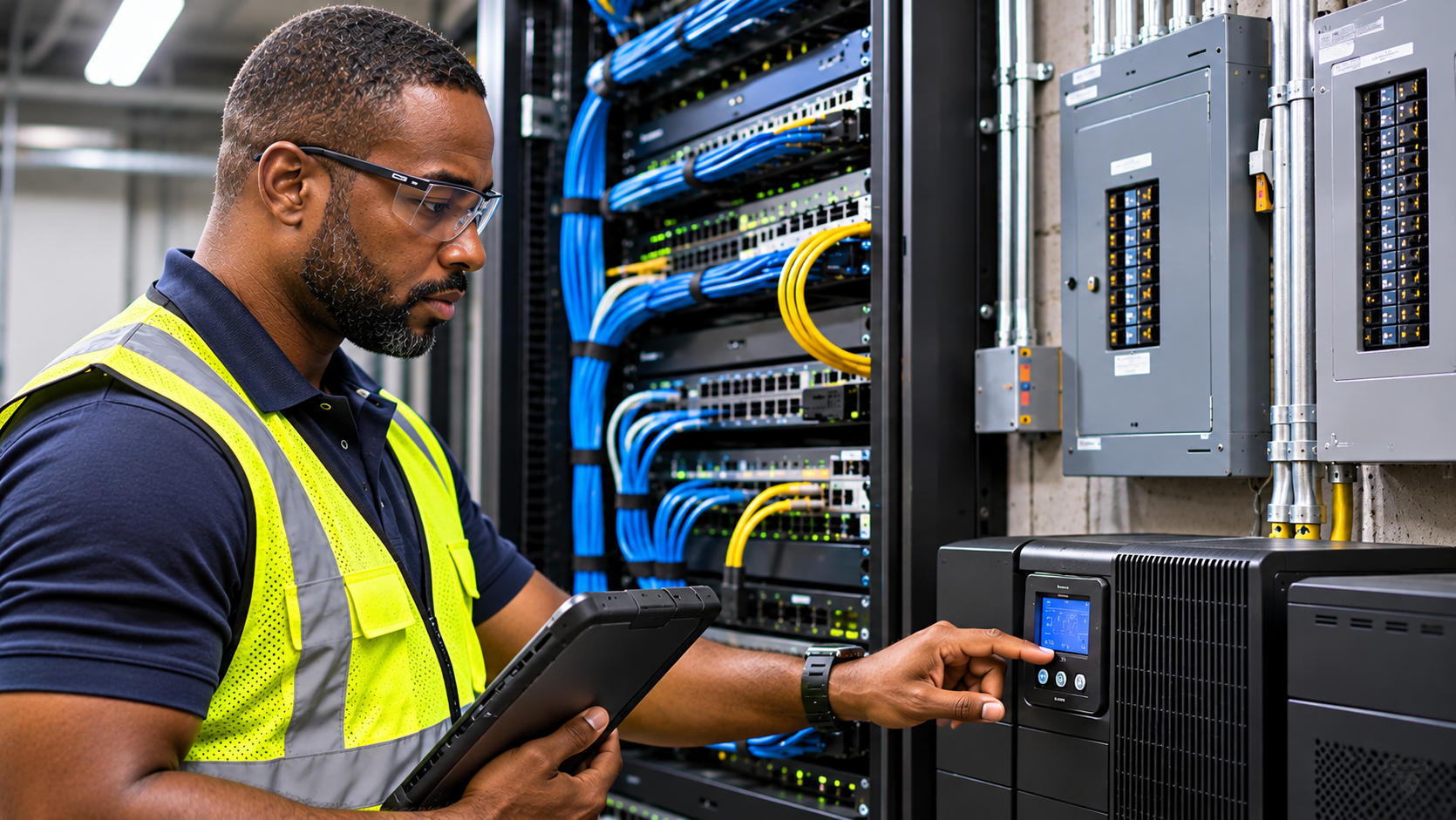
Network failures are not always caused by faulty cables, outdated equipment, or incorrect configurations. Sometimes, the problem starts with the electrical infrastructure supporting the network.
Routers, switches, wireless access points, servers, CCTV cameras, and point-of-sale systems all depend on a stable power supply. When electrical conditions fall outside equipment requirements, connected devices can become unstable, disconnect unexpectedly, or stop operating altogether.
For commercial facilities, these interruptions can affect more than internet access. A power-related network failure may disrupt payment processing, wireless connectivity, surveillance systems, communications, and other technology essential to daily operations.
Understanding the relationship between electrical infrastructure and network reliability helps businesses identify potential problems before they lead to costly downtime.
In this guide, we’ll examine common electrical issues that cause network failures, explain how they affect commercial technology systems, and discuss practical ways to reduce the risks.
Why Electrical Infrastructure Matters to Network Reliability
A commercial network consists of interconnected devices that require both reliable data connections and adequate electrical power.
Even when network cabling and equipment are installed correctly, electrical problems can prevent the infrastructure from operating as intended.
Consider a commercial network switch connected to several wireless access points, CCTV cameras, and other devices. If the switch loses power, every device depending on that connection may become unavailable.
Similarly, an unstable power supply can cause equipment to restart repeatedly, while insufficient backup power can leave critical systems offline during an outage.
Electrical infrastructure therefore plays an important role in network availability, equipment protection, and long-term operational reliability.
For a broader overview of the components that support business connectivity, see our guide to the core components of a reliable network infrastructure.
8 Common Electrical Issues That Cause Network Failures
1. Voltage Fluctuations and Unstable Power Supply
Voltage fluctuations occur when the electrical supply varies from its expected level. Depending on the severity and duration, these variations can affect the operation of connected equipment.
Two common conditions are:
-
Undervoltage: The supply voltage falls below the equipment’s specified operating range. This can cause instability, unexpected shutdowns, or equipment malfunction.
-
Overvoltage: The supply voltage rises above the equipment’s specified operating range. Depending on the magnitude and duration, this can damage electronic components or activate protective mechanisms.
Repeated voltage variations may also contribute to premature equipment wear.
Network switches, routers, servers, and other sensitive electronics are designed to operate within specified electrical limits. When those limits are exceeded, equipment may behave unpredictably or become unavailable.
How businesses can reduce the risk:
-
Have recurring power-quality problems evaluated by qualified electrical professionals.
-
Verify that network equipment receives power within manufacturer specifications.
-
Use appropriately rated power protection equipment.
-
Consider UPS systems for critical network devices.
-
Investigate repeated equipment restarts instead of assuming they are software-related.
2. Overloaded Electrical Circuits
An overloaded circuit occurs when connected equipment draws more current than the circuit is designed to support.
Commercial facilities often have several types of equipment sharing electrical circuits. These may include computers, printers, refrigeration equipment, lighting, appliances, and network devices.
When the total electrical load exceeds the circuit’s capacity, a circuit breaker may trip to protect the wiring.
If network equipment shares that circuit, the resulting interruption can affect connectivity across the facility.
For example, a retail store may have network switches and wireless equipment connected to a circuit that also supplies other high-demand equipment. When the circuit trips, the network devices may lose power along with everything else connected to it.
Potential effects on network infrastructure:
-
Network switches unexpectedly shut down.
-
Wireless access points disconnect.
-
CCTV cameras become unavailable.
-
POS systems lose network connectivity.
-
Multiple devices lose communication simultaneously.
How businesses can reduce the risk:
-
Review the electrical load of circuits supporting network equipment.
-
Avoid adding devices without evaluating available circuit capacity.
-
Coordinate network equipment installation with qualified electrical professionals.
-
Consider dedicated circuits where required by the electrical design and equipment specifications.
3. Poor Grounding and Bonding
Grounding and bonding are important components of electrical safety and infrastructure protection.
Grounding provides an intentional path for fault current under specified conditions. Bonding helps maintain electrical continuity between conductive components so that they remain at an appropriate electrical potential.
Improper grounding or bonding can increase safety risks and contribute to equipment damage during electrical faults or transient events.
In commercial facilities, grounding and bonding should be considered as part of the broader electrical and telecommunications infrastructure design.
Potential consequences include:
-
Increased risk of electrical shock and equipment damage.
-
Improper operation of protective devices.
-
Greater susceptibility to certain electrical disturbances.
-
Potential damage during lightning-related or other transient events.
Grounding problems should not be treated as ordinary network connectivity issues. They require evaluation by qualified electrical professionals.
How businesses can reduce the risk:
-
Have grounding and bonding systems inspected by qualified personnel.
-
Follow applicable electrical codes and equipment manufacturer requirements.
-
Verify that telecommunications bonding infrastructure is properly implemented.
-
Address grounding deficiencies before expanding network equipment installations.
4. Power Surges and Transient Voltage Events
A power surge is a brief increase in electrical voltage above the normal supply level. Surges can originate from lightning-related events, utility switching, or electrical equipment operating within a facility.
Although some events are extremely brief, they can damage sensitive electronic components.
Network equipment may be exposed to electrical disturbances through its power connections. Certain communication pathways, including outdoor copper cabling, may also require appropriate protection depending on the installation environment.
Equipment potentially affected:
-
Network switches and routers.
-
Wireless access points.
-
Servers and storage equipment.
-
CCTV cameras and recording systems.
-
Power supplies and PoE equipment.
How businesses can reduce the risk:
-
Evaluate appropriate surge protective devices for the facility.
-
Follow manufacturer recommendations for equipment protection.
-
Ensure grounding and bonding systems are properly maintained.
-
Consider protection for communication circuits where required by the installation design.
-
Inspect equipment after significant electrical events.
Surge protection should be selected and installed according to the facility’s electrical design. A basic power strip should not be assumed to provide the same protection as a properly selected surge protective device.
5. Inadequate UPS Capacity or Battery Failure
An uninterruptible power supply (UPS) helps maintain power to connected equipment when the primary electrical supply is interrupted.
However, a UPS only provides the protection its capacity, battery condition, and configuration allow.
A UPS that is undersized for its connected load may provide insufficient runtime or become overloaded. Aging batteries may also fail to deliver the expected backup time.
For example, a business may have a UPS connected to its primary network switch, router, and firewall. If the combined load exceeds the UPS capacity, the system may not provide the intended protection during a power interruption.
Common UPS-related problems include:
-
Insufficient capacity for connected equipment.
-
Degraded or aging batteries.
-
Incorrect load distribution.
-
Inadequate runtime for the required shutdown or recovery process.
-
Lack of routine battery testing and maintenance.
-
UPS alarms or faults that go unnoticed.
How businesses can reduce the risk:
-
Calculate the total load of equipment connected to the UPS.
-
Select a UPS with appropriate capacity and runtime.
-
Monitor battery health and replacement schedules.
-
Test backup operation according to manufacturer guidance.
-
Prioritize critical network equipment during power planning.
A UPS does not replace a properly designed electrical system. It provides a layer of protection against certain power interruptions and disturbances.
For a deeper look at power requirements for connected technology, read Power Requirements for Modern Network and Security Systems.
6. Poor Power Distribution and Equipment Connections
Network equipment is often installed in racks and telecommunications rooms where multiple devices share power distribution equipment.
Poor power distribution can create operational problems when equipment is connected incorrectly, power capacity is insufficient, or connections are not properly managed.
Examples include:
-
Overloaded power distribution units (PDUs).
-
Loose or damaged power connections.
-
Poorly organized power cables.
-
Incorrectly distributed equipment loads.
-
Unclear identification of power sources.
-
Inadequate access for inspection and maintenance.
These problems can make equipment more difficult to maintain and may increase the likelihood of accidental disconnections or power interruptions.
How businesses can reduce the risk:
-
Use appropriately rated PDUs and power distribution equipment.
-
Confirm equipment power requirements before installation.
-
Organize and identify power connections.
-
Avoid exceeding manufacturer-rated electrical capacities.
-
Document power connections for critical network equipment.
-
Maintain adequate access for inspection and maintenance.
Proper rack layout and equipment organization are also important. Read our guide to best practices for low-voltage installation projects for additional considerations involving cable management and installation quality.
7. Insufficient Power over Ethernet (PoE) Capacity
Power over Ethernet allows compatible network equipment to receive electrical power and transmit data through a single Ethernet cable.
PoE is commonly used for wireless access points, IP cameras, VoIP phones, and other network-connected devices.
However, PoE switches have defined power budgets. The available power must be sufficient to support all connected devices.
A switch may have enough Ethernet ports for every camera or access point but still lack the total PoE capacity needed to power them simultaneously.
For example, a commercial installation may connect several high-power wireless access points and CCTV cameras to the same PoE switch. If their combined power requirements exceed the switch’s available budget, some devices may not receive the required power.
| PoE Standard | Maximum Power at Power Sourcing Equipment | Typical Application |
| IEEE 802.3af | 15.4 W | Basic IP phones and lower-power devices |
| IEEE 802.3at | 30 W | Many wireless access points and IP cameras |
| IEEE 802.3bt Type 3 | 60 W | Higher-power network devices |
| IEEE 802.3bt Type 4 | 90 W | High-power connected equipment |
Actual power available to the powered device is lower because of cable losses. Equipment compatibility and manufacturer specifications should always be checked.
How businesses can reduce the risk:
-
Calculate the combined power requirements of connected devices.
-
Verify the switch’s total PoE power budget.
-
Confirm the required PoE standard for each device.
-
Account for future equipment expansion.
-
Monitor switch power utilization and device status.
For more information about how network components work together, explore our Network Infrastructure service page.
8. Insufficient Electrical Capacity During Network Expansion
As businesses expand their technology infrastructure, electrical demand can increase.
Adding more network switches, wireless access points, CCTV cameras, servers, and other connected equipment may place additional demands on existing power systems.
If the electrical infrastructure is not evaluated before expansion, the facility may experience overloaded circuits, insufficient power capacity, or inadequate backup protection.
This is especially important during multi-site technology rollouts, where each location may have different electrical conditions.
How businesses can reduce the risk:
-
Evaluate existing electrical capacity before adding equipment.
-
Review the power requirements of new devices.
-
Confirm PoE and UPS capacity.
-
Coordinate electrical and network installation schedules.
-
Identify infrastructure upgrades before deployment begins.
Planning for future demand helps businesses avoid repeated modifications and unexpected interruptions as their technology requirements grow.
How Electrical Problems Affect Different Network Systems
Electrical issues do not affect every network device in exactly the same way. The impact depends on the equipment, its power source, and how it is connected to the broader infrastructure.
| Network System | Electrical Dependency | Possible Impact of Power Problems |
| Network switches | AC power or supported DC supply | Loss of connectivity for connected devices |
| Routers and firewalls | Stable power supply | Internet or network communication interruptions |
| Wireless access points | PoE or local power | Loss of wireless coverage |
| CCTV cameras | PoE or separate power | Camera outages and interrupted video recording |
| Servers and storage | AC power and backup systems | Application interruptions or unplanned shutdowns |
| POS systems | Local power and network connectivity | Transaction processing disruptions |
| Digital menu boards | Local power and network connectivity | Display outages or content delivery interruptions |
The impact can extend beyond the device experiencing the electrical problem.
For example, when a central network switch loses power, every device connected through that switch may become unavailable. This can affect several business systems at once.
Warning Signs of Electrical Problems Affecting Network Equipment
Electrical issues are not always immediately obvious. Businesses may initially interpret their symptoms as network configuration problems or equipment failures.
Recognizing recurring patterns can help identify when the electrical infrastructure needs attention.
| Warning Sign | Possible Electrical Cause | Recommended Action |
| Network equipment frequently restarts | Voltage instability or power interruptions | Evaluate power quality and supply conditions |
| Multiple devices disconnect simultaneously | Circuit interruption or shared power issue | Inspect the affected power distribution |
| UPS alarms or shortened runtime | Battery degradation or excessive load | Test UPS condition and capacity |
| PoE devices intermittently lose power | Insufficient PoE budget or switch power issue | Review switch capacity and connected loads |
| Equipment shuts down when other devices start | Potential circuit overload | Have circuit loading evaluated |
| Equipment damage after an electrical event | Possible surge or transient voltage event | Inspect affected equipment and protection systems |
| Repeated breaker trips | Possible overload or electrical fault | Have a qualified electrician investigate |
These symptoms are not definitive proof of an electrical problem. Network configuration, defective hardware, cabling faults, and other conditions can produce similar behavior.
A proper assessment should examine both the network and its supporting electrical infrastructure.
Best Practices for Improving Electrical Reliability in Network Installations
Preventing electrical issues requires coordination between network installation teams, facility management, IT personnel, and qualified electrical professionals.
The following practices help establish a more reliable foundation for commercial network infrastructure.
1. Evaluate Power Requirements Before Installation
Identify the electrical requirements of all equipment before deployment begins.
This includes network switches, routers, access points, CCTV cameras, servers, and supporting devices.
Reviewing these requirements early helps determine whether existing power infrastructure is sufficient.
2. Coordinate Network and Electrical Planning
Network infrastructure and electrical systems should be planned together.
For example, access point locations may require PoE connectivity, while network racks need appropriate power distribution and backup capacity.
Coordination helps prevent situations where equipment locations are finalized before power availability has been considered.
3. Verify PoE and Switch Capacity
Do not evaluate network switches based only on port count.
Confirm that the switch has sufficient PoE capacity to support all connected devices and that its power budget accounts for their requirements.
4. Use Appropriate Backup Power
Identify which network devices are critical to business operations and determine whether they require UPS protection.
Calculate the required capacity and runtime based on actual equipment loads.
5. Maintain Grounding and Surge Protection
Grounding, bonding, and surge protection should follow applicable codes, manufacturer requirements, and the facility’s electrical design.
These systems should be inspected and maintained by qualified professionals.
6. Test Equipment and Connections Before Turnover
Verify that network devices power on correctly, maintain connectivity, and operate according to project requirements.
Testing should include relevant PoE checks, equipment verification, and inspection of power connections.
7. Document Electrical and Network Infrastructure
Maintain accurate records of equipment locations, power sources, rack layouts, switch connections, UPS systems, and other relevant infrastructure details.
Documentation helps IT and facilities teams understand the installed system and troubleshoot problems more efficiently.
Electrical and Network Infrastructure Planning for Multi-Site Businesses
Businesses operating across multiple locations face additional challenges because electrical infrastructure can vary significantly from one facility to another.
A network deployment that works well in one store may require adjustments at another location due to differences in circuit capacity, equipment placement, building layout, or available power.
A standardized deployment process should account for these differences without assuming that every location has identical infrastructure.
Important considerations include:
-
Reviewing site conditions before installation.
-
Confirming power availability for network equipment.
-
Evaluating existing racks, circuits, and power distribution.
-
Checking PoE and UPS requirements.
-
Coordinating electrical work with network installation.
-
Documenting site-specific conditions and exceptions.
-
Verifying installation quality before turnover.
Centralized project management and consistent field procedures help businesses coordinate these requirements across multiple locations.
Learn more about managing multi-site network installations successfully.
How Prime-Net Supports Reliable Network Infrastructure Deployments
Prime-Net is the technology deployment division of Prime Retail Services, Inc., supporting multi-site retail and commercial technology installations.
Its core services include Point-of-Sale Installation, Wireless Networks, Network Infrastructure, CCTV Installation, Project Staffing, and Digital Menu Boards.
Reliable network deployments require coordination between technology installation and the electrical infrastructure that supports it.
Prime-Net’s network infrastructure and technology deployment capabilities support projects involving:
-
Network equipment and infrastructure installation.
-
Structured cabling and network connectivity.
-
Wireless access point installation.
-
CCTV installation and supporting network connections.
-
Technology deployment coordination across multiple locations.
-
Field installation verification and quality assurance.
-
Project documentation and closeout.
Learn more about Prime-Net’s Network Infrastructure services.
For projects involving wireless connectivity, Prime-Net also provides Wireless Network installation services, supporting the deployment of access points and related network infrastructure.
Prime-Net follows a structured deployment workflow:
1. Survey: Review site conditions, project requirements, and infrastructure readiness.
2. Staging: Coordinate equipment and materials before field deployment.
3. Installation: Complete the required technology and network infrastructure work.
4. Quality Assurance: Verify completed work and address identified installation issues.
5. Turnover: Complete project documentation and handoff requirements.
When electrical deficiencies or power-related concerns are identified, coordination with qualified electrical professionals may be necessary to evaluate or complete the required electrical work.
This distinction is important: reliable network infrastructure depends on both properly installed technology systems and suitable supporting electrical infrastructure.
Frequently Asked Questions
Can electrical problems cause network outages?
Yes. Power interruptions, voltage fluctuations, overloaded circuits, and inadequate backup power can cause network equipment to restart, shut down, or become damaged. These issues can interrupt connectivity for connected devices and business systems.
Can a power surge damage a network switch?
Yes. A sufficiently severe electrical surge can damage a network switch or its power supply. Appropriate surge protection, grounding, and bonding help reduce certain risks, although no protection system can eliminate every possible electrical event.
Can an overloaded circuit affect Wi-Fi?
Yes. If an overloaded circuit trips or causes a power interruption to network equipment, wireless access points connected to that power source may shut down. Devices using those access points can lose wireless connectivity.
Why do PoE cameras or access points keep disconnecting?
Possible causes include insufficient PoE power budget, faulty Ethernet cabling, switch configuration issues, defective equipment, or unstable power to the switch. The cause should be verified through network and power-system checks.
Does a UPS prevent all network power problems?
No. A UPS can provide backup power and, depending on its design, help protect connected equipment from certain power disturbances. It does not correct every electrical problem or guarantee uninterrupted operation. Capacity, battery condition, runtime, and installation all matter.
How often should businesses inspect their electrical infrastructure?
Inspection schedules depend on the facility, equipment, applicable codes, and maintenance requirements. Businesses should follow qualified electrical professionals’ recommendations and investigate recurring power interruptions, breaker trips, equipment failures, or other warning signs promptly.
Should network equipment have a dedicated electrical circuit?
Not every network device automatically requires a dedicated circuit. The appropriate arrangement depends on the equipment load, circuit capacity, electrical design, and applicable requirements. Critical network equipment may benefit from dedicated or appropriately segregated power arrangements where specified by the design.
Who should evaluate electrical problems affecting network equipment?
Qualified electrical professionals should evaluate electrical supply, circuit capacity, grounding, bonding, and surge protection concerns. Network technicians can investigate connectivity, equipment configuration, cabling, and PoE-related issues. Some problems require both teams to work together.
Final Thoughts
Network failures are not always caused by defective equipment or poor network configuration. Electrical infrastructure plays an equally important role in keeping connected systems operational.
Voltage fluctuations, overloaded circuits, grounding deficiencies, power surges, inadequate UPS capacity, and insufficient PoE power can all contribute to network interruptions.
Businesses can reduce these risks by evaluating electrical requirements before installation, coordinating network and electrical planning, verifying equipment power capacity, and maintaining proper documentation.
For multi-site deployments, consistent planning and coordination are especially important because every facility may have different electrical conditions.
Prime-Net supports commercial technology deployments through network infrastructure, wireless networks, CCTV installation, and coordinated field execution.
Planning a commercial network installation or multi-location technology deployment? Contact Prime-Net at info@prime-net.net to discuss your project requirements.